
AE SKOS User Manual
Try it now
Open AE SKOS in your browser - no installation required.
A fast, modern browser for exploring SKOS vocabularies. Lazy-loaded trees, instant search, multilingual support, dark mode, and keyboard shortcuts — all running directly in your browser. No backend, no installation, no data leaves your machine.
Want your endpoint on the list? If you maintain a public SKOS endpoint and would like it included as a suggested endpoint (pre-analyzed, no setup needed for users), open an issue on GitHub.
Getting Started
AE SKOS connects directly to SPARQL endpoints in your browser - no backend server required. Your data stays between you and the endpoint.
First Launch
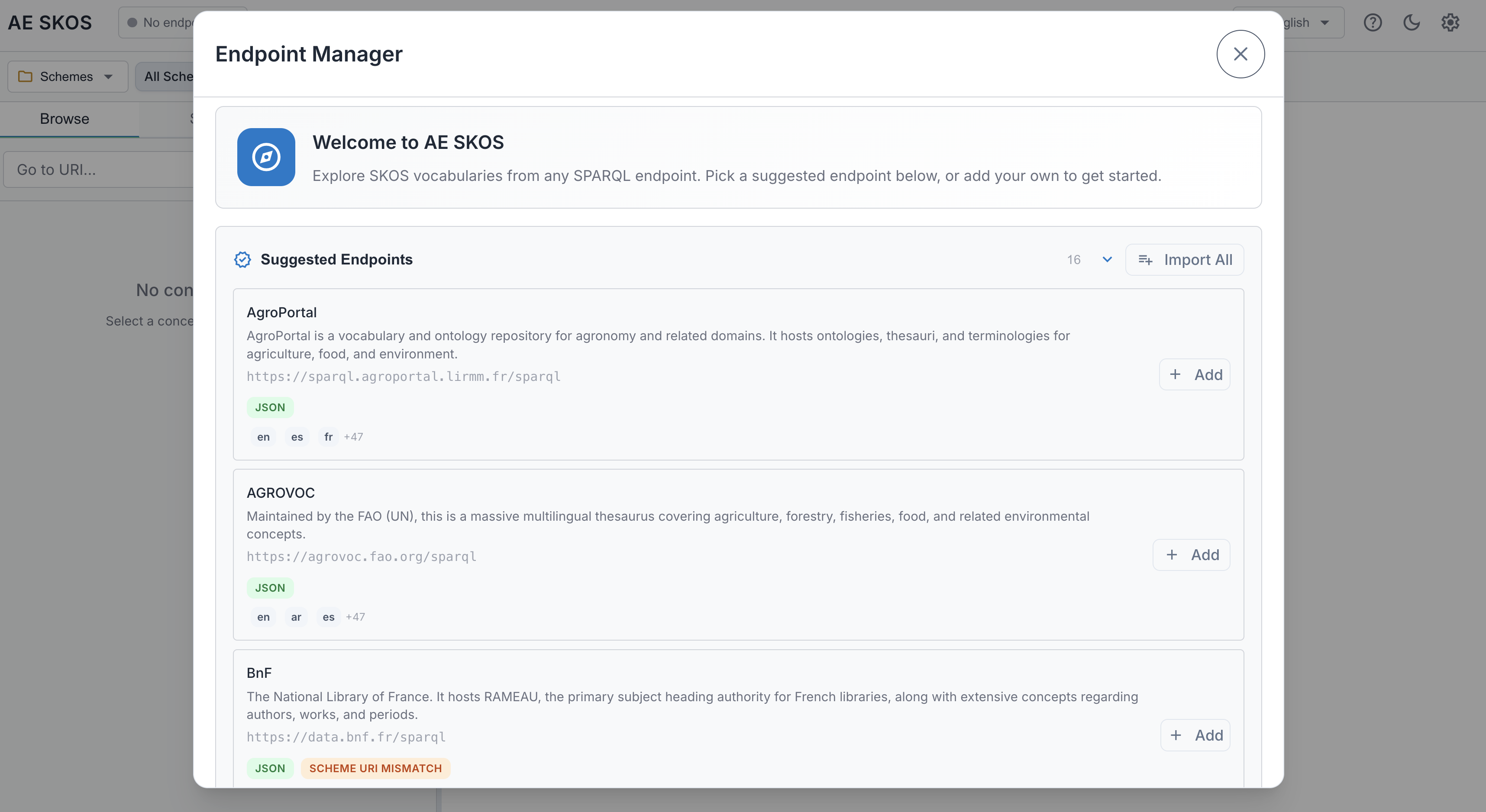
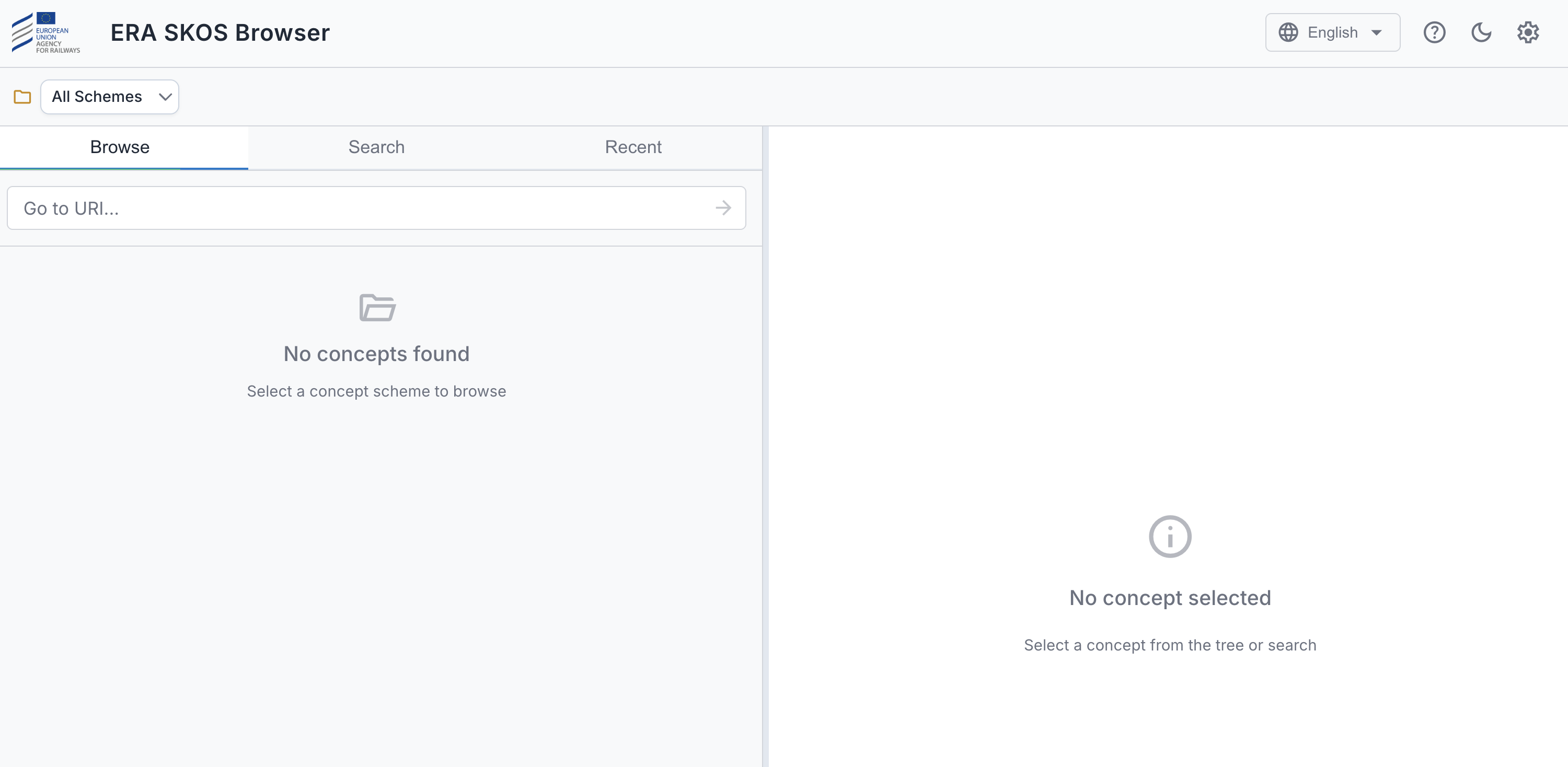
When you first open AE SKOS, what you see depends on how it was deployed:
| Standard Mode | Pre-configured Mode |
|---|---|
| The Endpoint Manager opens with suggested endpoints for you to add and manage. | Endpoints are already set up by an administrator — you're ready to browse. |
 |  |
| Continue with Quick Start below | Skip to Browsing |
Quick Start
- Pick a suggested endpoint from the list, or click "Add Endpoint" for a custom URL
- Click Done to close the Endpoint Manager
- Select a concept scheme from the dropdown
- Start browsing!
Header Toolbar
The header toolbar provides quick access to key functions. From left to right:

| Button | Description | |
|---|---|---|
| Endpoint | badge | Shows the active endpoint name. Click to switch endpoints or open the Endpoint Manager. |
| Language |  | Change the display language. The dropdown shows languages detected in the current endpoint. See Language settings. |
| Help |  | Opens this user manual in a new tab. |
| Dark mode |  | Toggle between light and dark theme. |
| Settings |  | Open the Settings dialog. |
User Guide
- Managing Endpoints — Add, configure, and switch SPARQL endpoints
- Browsing — Schemes, concept tree, collections, and orphan detection
- Viewing Details — Concept, collection, and scheme properties
- Search & History — Search concepts and revisit recent items
- Settings — Display, language, deprecation, search, and developer options
- Troubleshooting — Common issues, keyboard shortcuts, and getting help
AE SKOS is part of the Augmented Semantics toolkit by Cognizone.