
AE RDF User Manual
A fast, browser-only explorer for any RDF dataset behind a SPARQL endpoint. Connect, see what types of things exist, drill into a type's instances, open any resource, and follow its links, all live, all in your browser. No backend, no precomputed indexes, no data leaves your machine.
Try it now: Open AE RDF in your browser, no installation required.
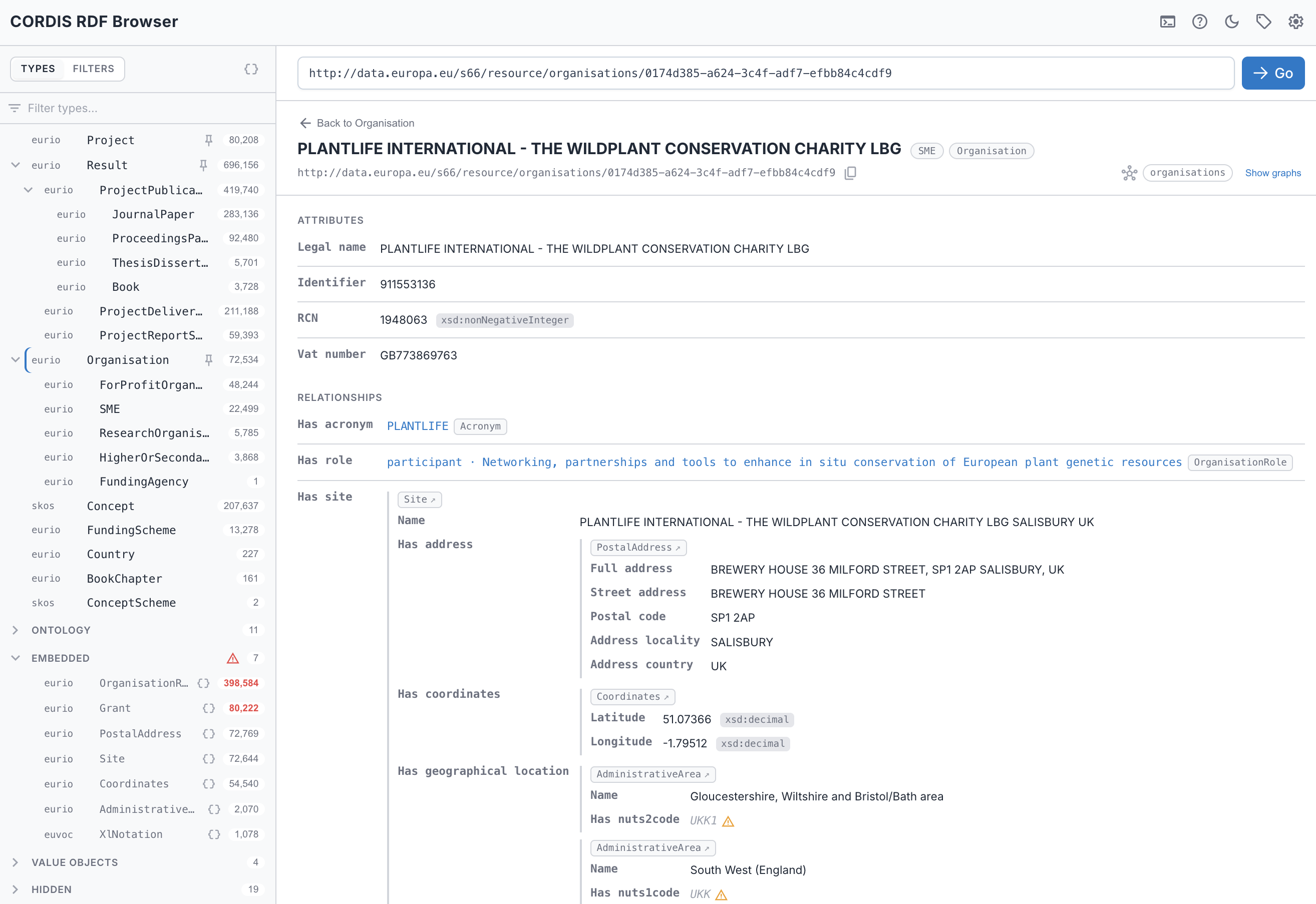
Above — a CORDIS organisation: the Types sidebar (left) for navigating the dataset, the resource's attributes and clickable relationships, and nested value objects inlined in place (site → postal address → coordinates). See this view live →
Live queries only — every count, list, facet, resource view, and incoming-link lookup you see below runs as a query against your endpoint, computed the moment you ask for it.
See it in action
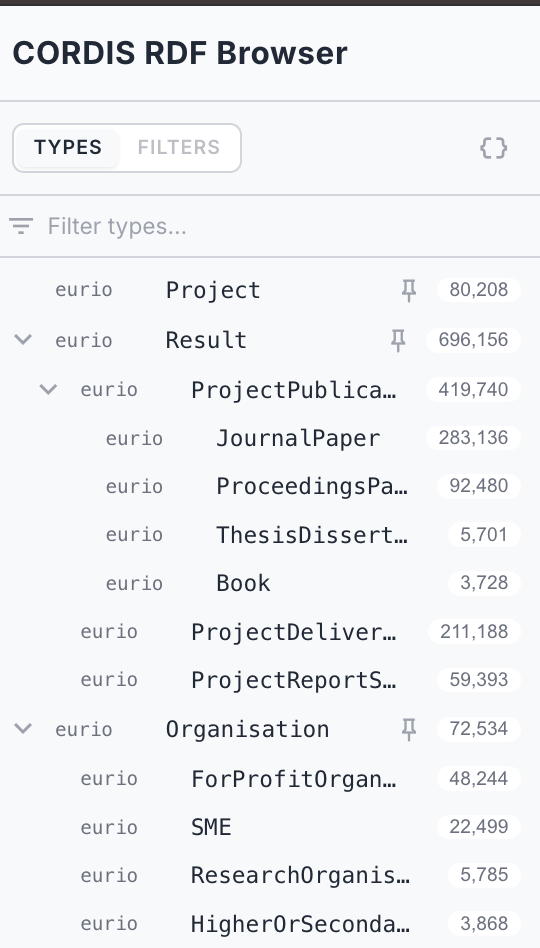
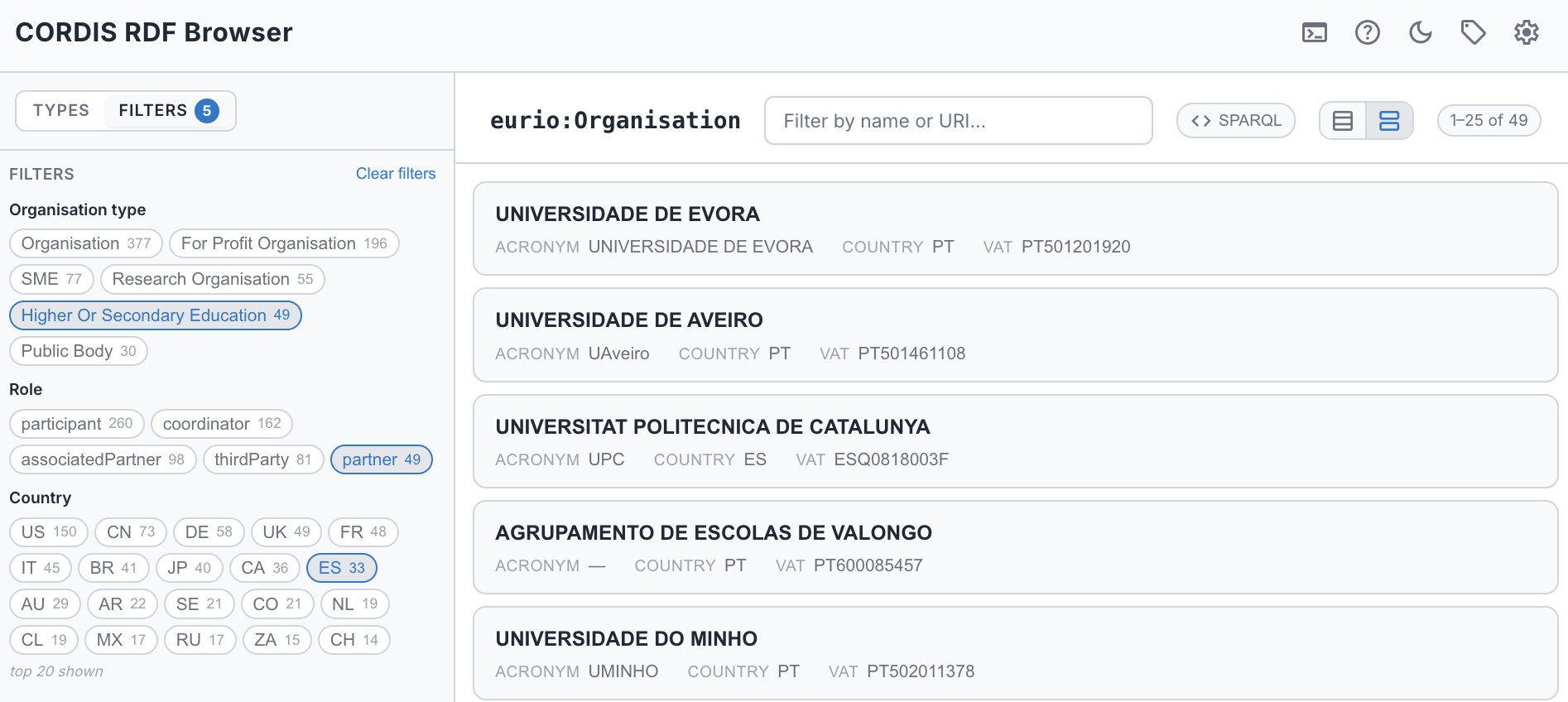
| Browse by type The Types sidebar tree: subclasses and value objects nest under their parent, each with a live instance count. See it live → | Faceted browsing Narrow a type by its values, ranges, and dates (even values a hop away), with live counts. See it live → |
 |  |
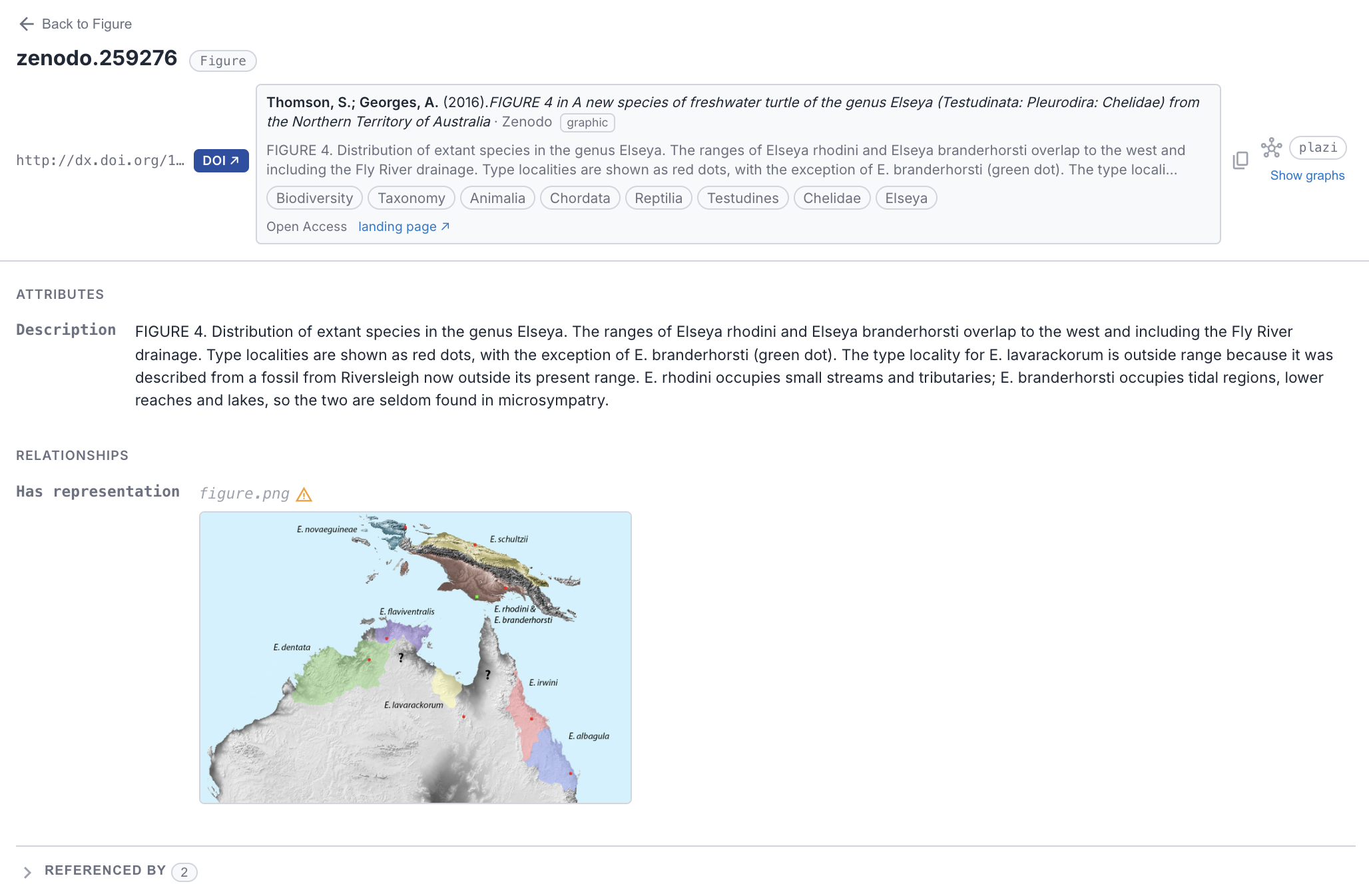
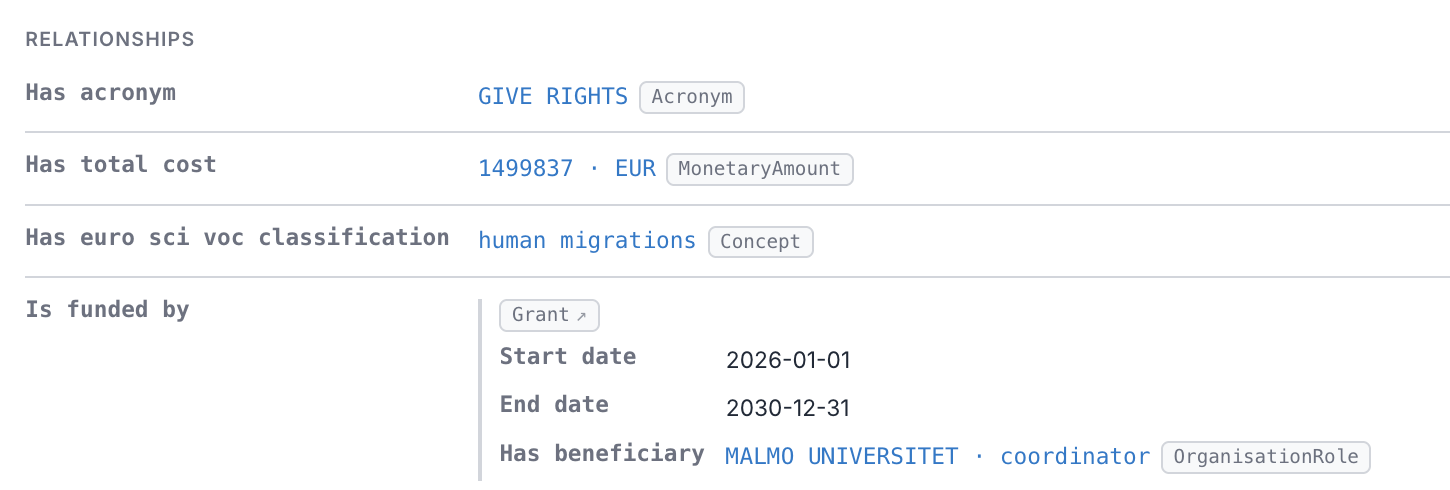
| Rich values Media inline, DOI citation cards, and WKT geometry as maps. See it live → | Deep embeds Value objects inlined with their own properties — a Grant's start date, end date, and beneficiary shown in place, nested as deep as the data goes. See it live → |
 |  |
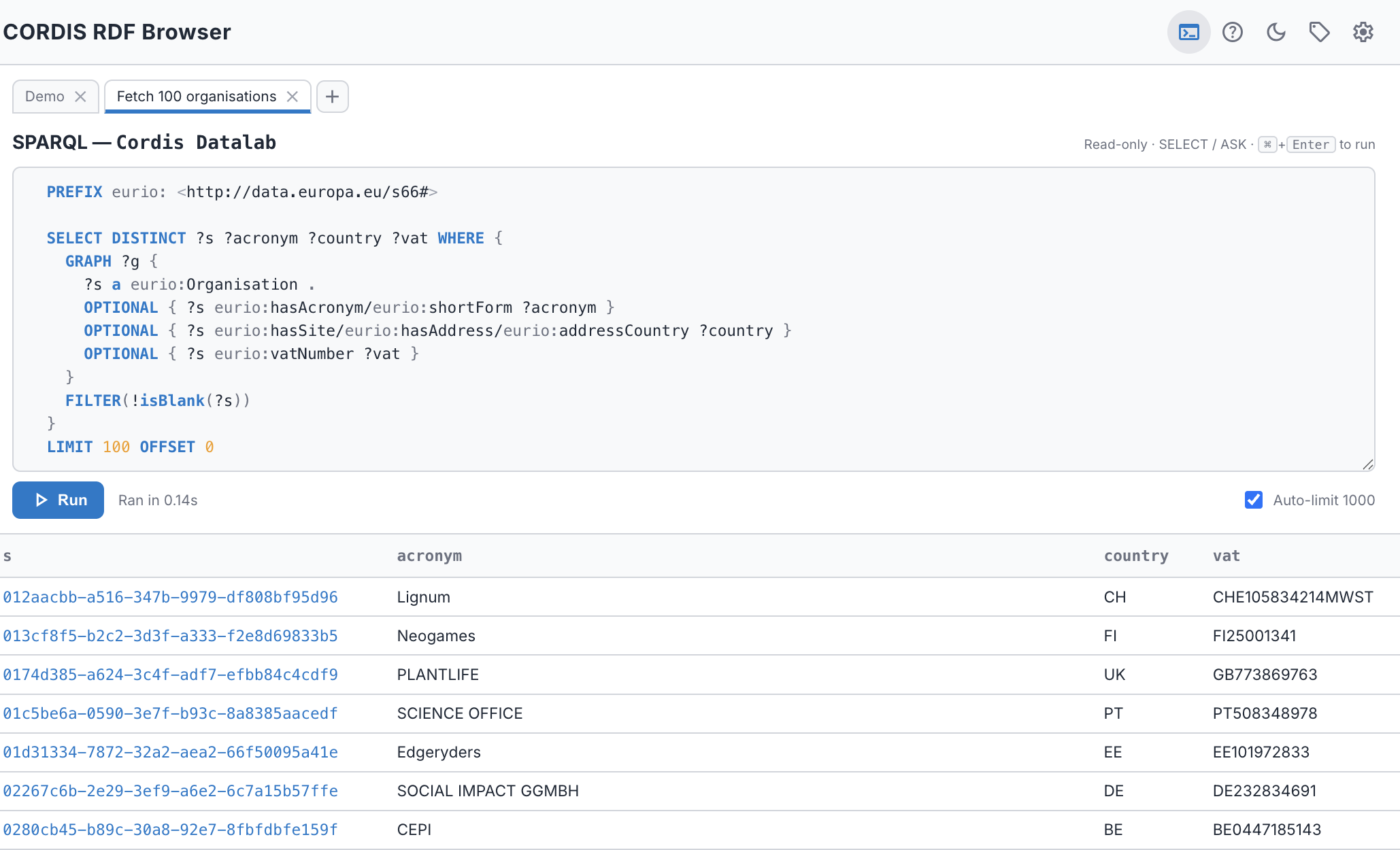
| Walk the graph backwards See what points at a resource — incoming links grouped by predicate, with blank-node restrictions inlined. See it live → | SPARQL panel A read-only SELECT / ASK console with named tabs, auto- LIMIT, paginated results, and portable prefixed queries. |
 |  |
Want your endpoint on the list? If you maintain a public SPARQL endpoint and would like it included as a suggested endpoint, open an issue on GitHub.
Getting Started
AE RDF connects directly to SPARQL endpoints from your browser — the endpoint must allow browser access (CORS).
Quick Start
- Open the endpoint menu in the header and pick an endpoint. (In the standalone / authoring build you can also Add endpoint for a custom URL, see The Endpoint Manager.)
- Once connected, the Types sidebar lists every
rdf:typein the dataset with an instance count. - Click a type to see its instances, then click an instance to open it.
- Or paste any resource URI into the bar at the top and press Go.
On a deployed instance the endpoints come from the app's bundled configuration; AE SKOS and AE RDF each ship their own, so the endpoint lists are not shared between the tools.
User Guide
- Endpoints — Choosing and switching endpoints (adding your own is in the Configuration Guide)
- Browsing — Types and instance lists
- Resource view — Attributes, relationships, and incoming links
- Faceted browsing — Filter a type by its values, ranges, and dates
- SPARQL panel — The read-only query console
- Rich values — Media, DOIs, and geometry maps
- Graphs — How AE RDF shows which named graph each fact lives in
- Shareable URLs — Deep-linking, bookmarking, and cross-dataset switching
- Settings — Display, sidebar, results, and authoring preferences
- Troubleshooting — CORS, empty results, slow queries
Administration
- Configuration Guide — Authoring mode, per-type configuration, graph behaviour, and exporting a deployment config
- Deployment & Releases — GitHub Pages variants and the ERA standalone release process
AE RDF is part of the Augmented Semantics toolkit by Cognizone.