
Rich values (media, DOIs, geometry)
AE RDF recognises what certain values are and shows them richly, not just as links, in the resource view and anywhere a value appears.
Media files
A value (or a viewed resource) whose URL is an image, video, or audio file renders inline: images as a thumbnail (click to open full size in a new tab), video/audio with player controls. Detected by file extension, http(s) only.
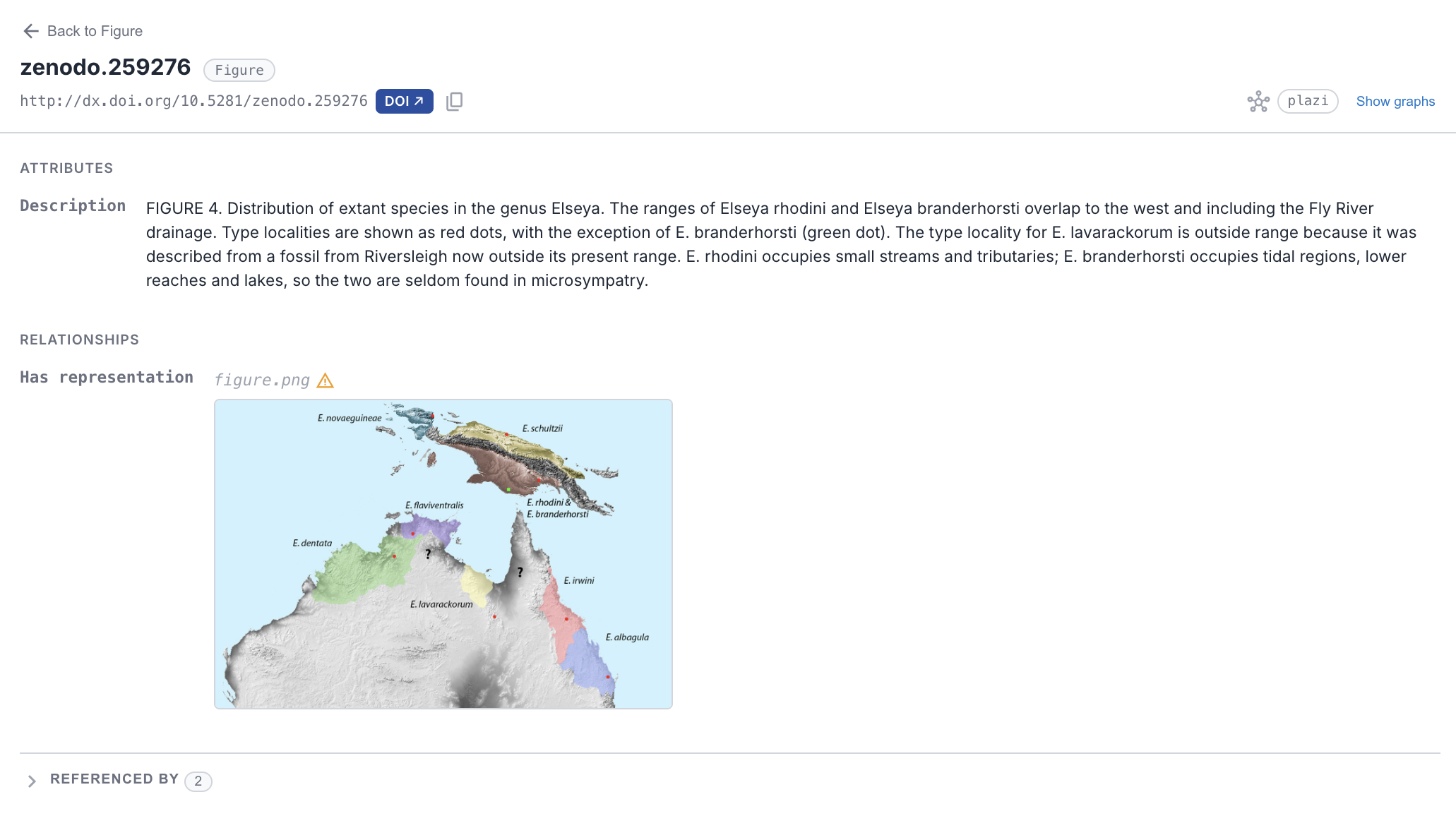
A media value (figure.png) rendered inline as a thumbnail. Click it to open full size in a new tab.
DOIs
A DOI in any form (a doi.org URL, doi:10.…, or a bare 10.…/… literal) gets a blue DOI ↗ badge linking to the resolver. With the DOI citations setting on, an inline citation card appears as the value scrolls into view: authors, year, title, publisher, subject categories, a truncated abstract, and a landing-page link, fetched from doi.org on demand and cached. If a registrar has no metadata, the badge simply stays a link. Deployers can toggle individual card fields via the doi config section.
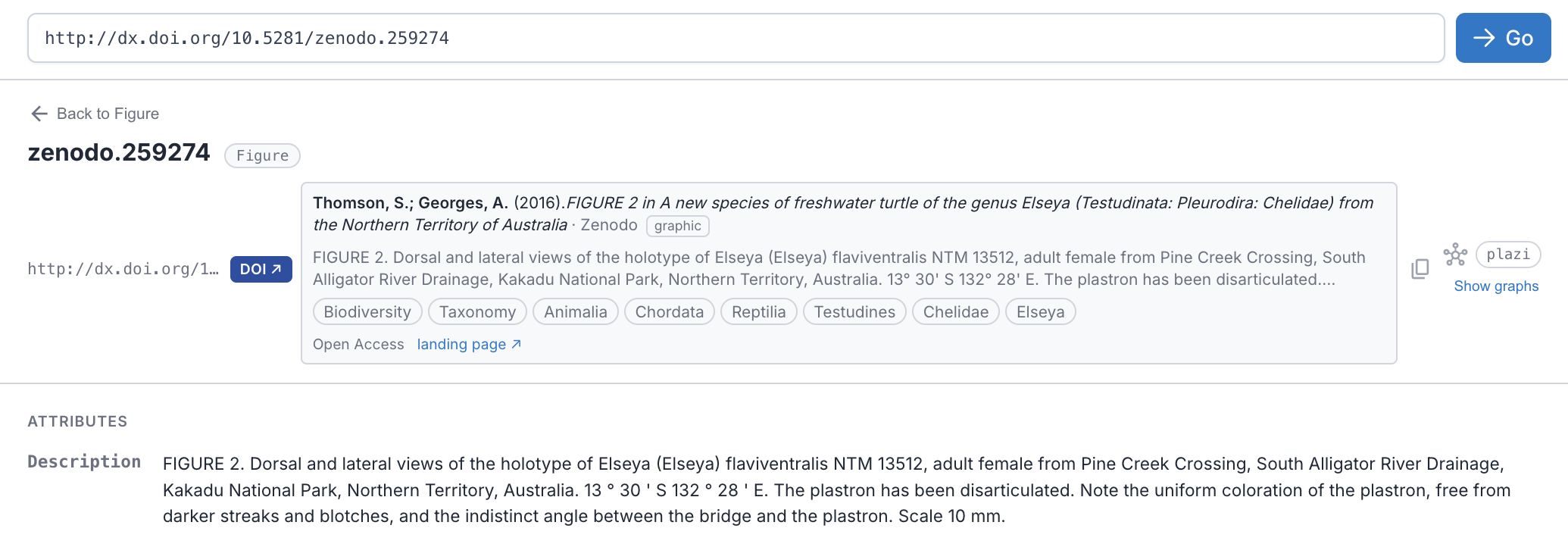
A DOI rendered as a citation card, fetched from doi.org on demand: authors, year, title, publisher, subject categories, abstract, and a landing-page link.
Geometry (WKT)
A geo:wktLiteral value gets a green map ↗ badge opening the location on OpenStreetMap. With the Geometry maps setting on, an embedded map renders the point/line/polygon itself: swisstopo basemap for Swiss coordinates, OpenStreetMap elsewhere, switchable in the map's corner. Only WGS84 (longitude/latitude) coordinates are mapped; projected coordinates (e.g. Swiss LV95) show the raw value, never a wrong pin.
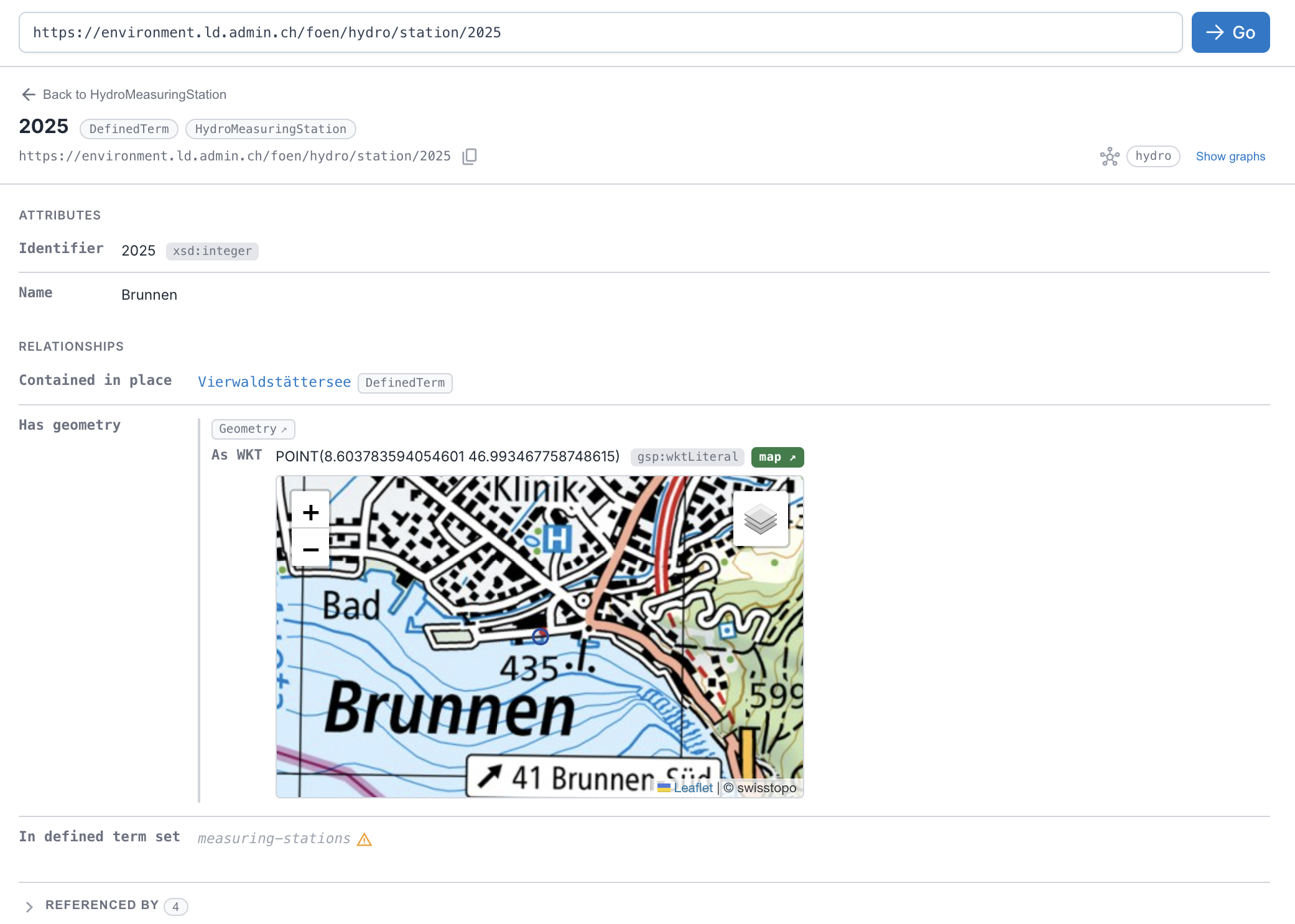
A geo:wktLiteral rendered inline as a map. See it live → a LINDAS hydro station, mapped, the multi-endpoint edition auto-switches to LINDAS.
Privacy
Off by default, lazy by design: The two features that call external services (DOI citations and geometry maps) are off by default and fetch lazily (only what you actually scroll to), so browsing stays private and light unless you opt in. Turn them on in Settings (DOI citations and Geometry maps); deployers can preset them via the configuration guide.